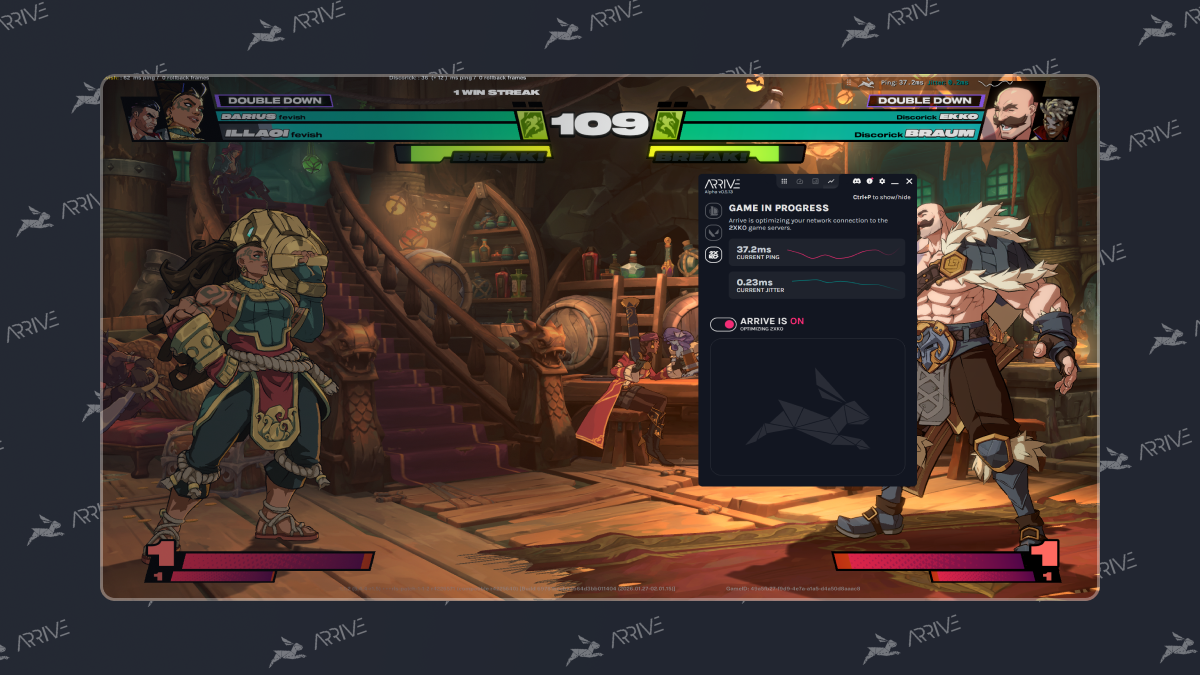
Zero rollback frames is only half the battle, you need a competitive ping. While it doesn’t work for everyone, using Arrive can help stabilize and improve your ping to keep your combos rolling!
- First, download and install Arrive.
- Make sure 2XKO is the currently selected game.
- Enable 2XKO, and select a server close to you. You may benefit from playing around with different servers to find the best match for you.
- Turn Arrive ON.
- Launch 2XKO. Currently 2XKO does not allow you to select the in-game server. You will need to experiment with your selected server in Arrive to get the best results.
Note: The default in-game overlay toggle for Arrive is Ctrl+P (this is configurable in settings).