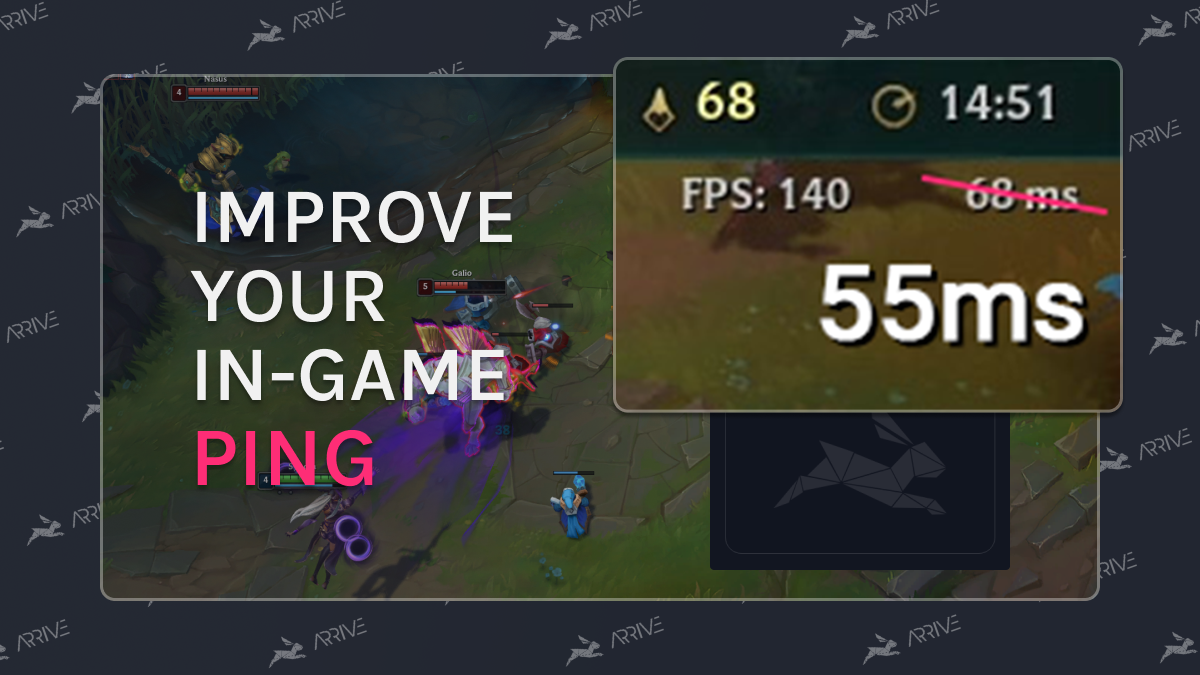
Missing a crucial skillshot or failing to smite Baron because of a lag spike is heartbreaking. While it won't work for everyone, using Arrive can help stabilize your connection and lower your ping, ensuring your mechanics shine when it matters most!
- First, download and install Arrive.
- In the Arrive app, select League of Legends on the left.
- Enable League and either select a server close to you, or use Auto Select, and we will try to grab the best server for your connection.
- Turn Arrive ON.
- Launch League and happy gaming!
Note: The default in-game overlay toggle for Arrive is Ctrl+P (this is configurable in settings).