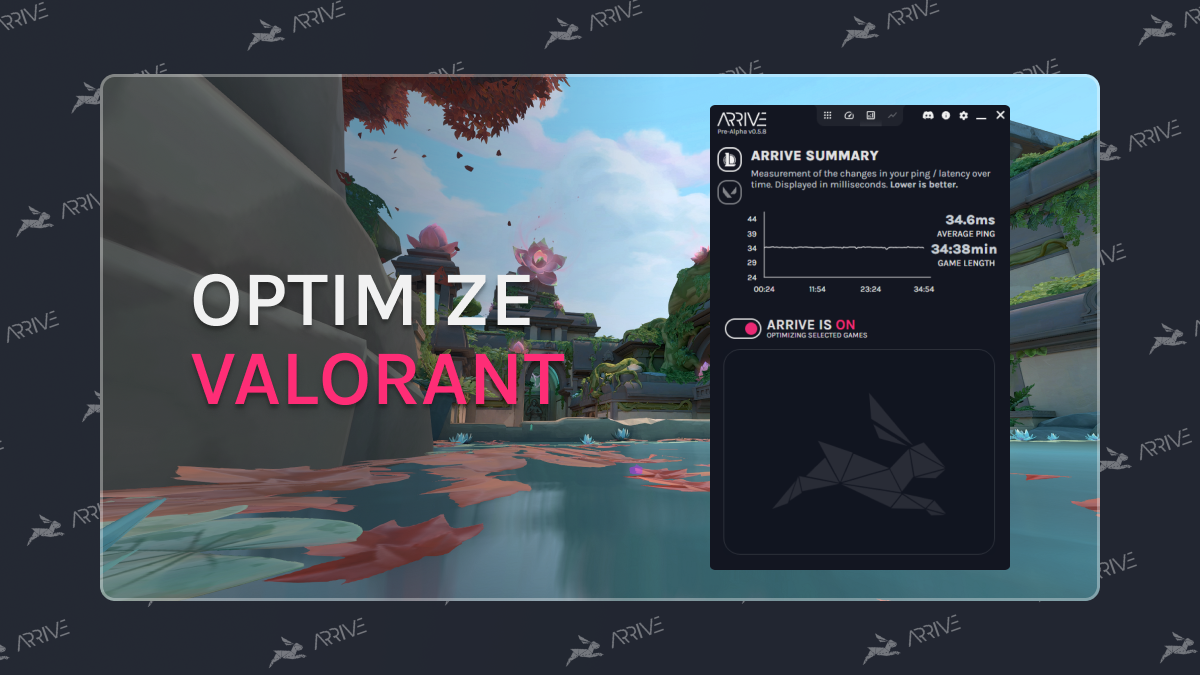
There is nothing worse than holding an angle just to die before your enemy even appears on your screen. While it won't work for everyone, using Arrive can help stabilize your ping and reduce packet loss, giving you the reaction time you deserve!
- First, download and install Arrive.
- Make sure Valorant is the currently selected game.
- Enable Valorant, and select a server close to you. You may benefit from playing around with different servers to find the best match for you.
- Turn Arrive ON.
- Launch Valorant and make sure the Valorant in-game selected server matches the region (the geographic area) for the Arrive server you selected.
Note: The default in-game overlay toggle for Arrive is Ctrl+P (this is configurable in settings).